
MENU
Why Your iPhone Charging Port is Failing: The Hidden Risks of DIY Fixes
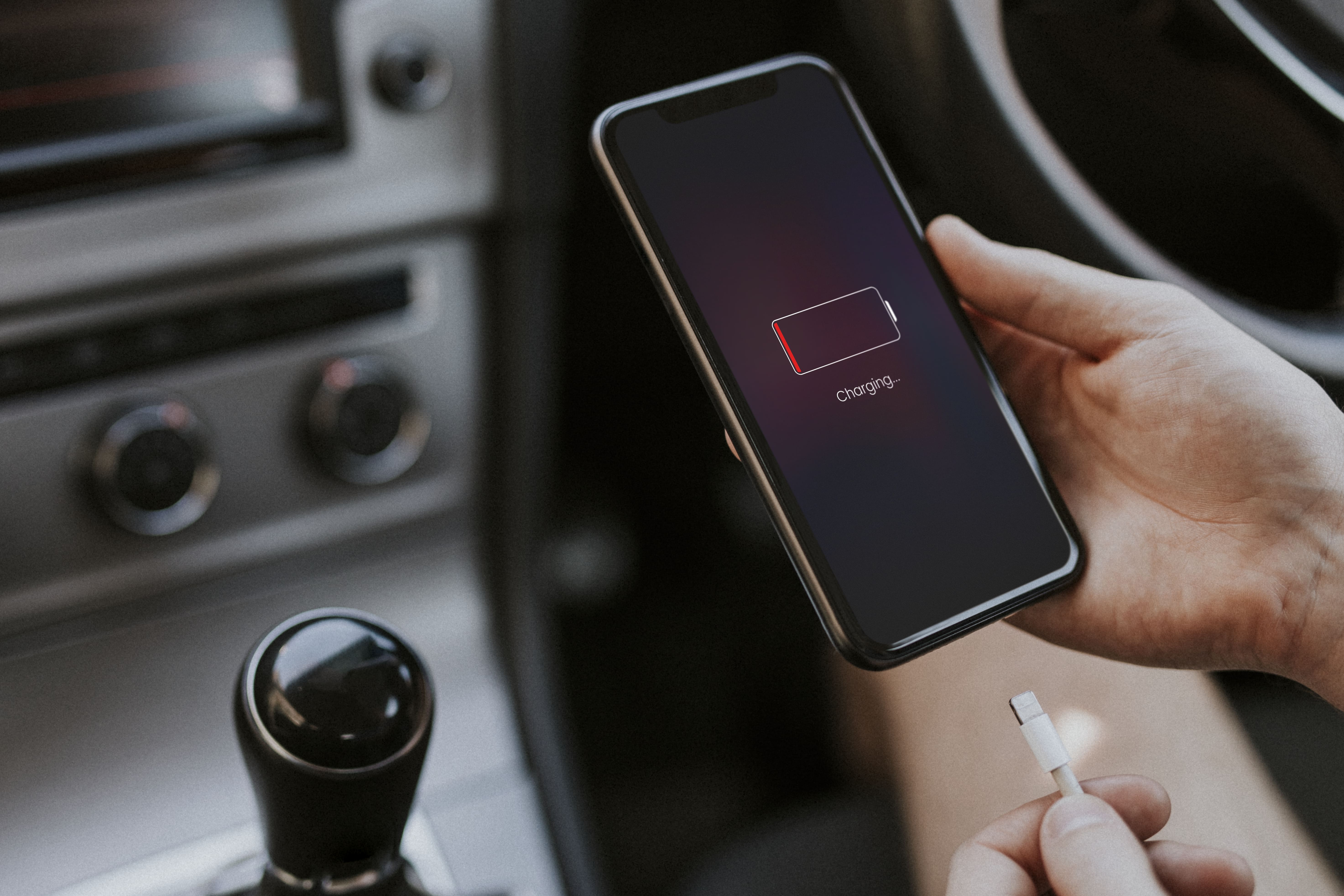
In the modern age, our iPhones are more than just communication tools; they are our offices, our memory keepers, and our lifelines. When you plug in your cable at the end of a long day and nothing happens, the frustration is immediate.
Naturally, the first instinct for many is to head to a search engine. You might look up how to clean charging port on iPhone or how to get water out of charging port. While the internet is full of "quick fixes," the reality of iPhone hardware is far more delicate than a YouTube tutorial suggests.
At Zak Mobile, we see dozens of devices every week that started with a simple "charging port not working" issue and ended up with permanent hardware failure because of well-intentioned home cleaning attempts.
The Anatomy of an iPhone Charging Port
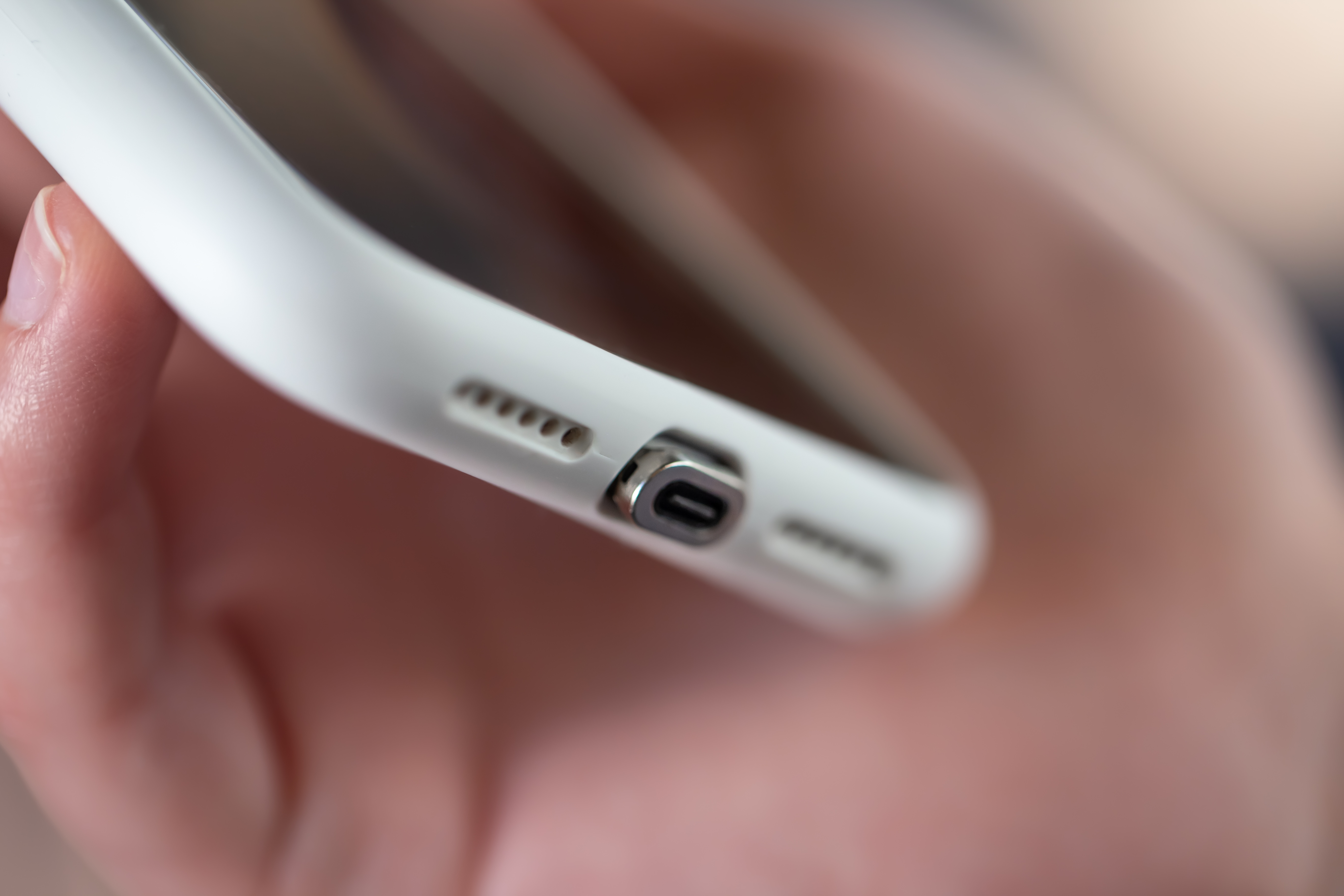
To understand why your iPhone charging port is not working, you first have to understand what is inside that tiny slot. The Lightning or USB-C port on a modern iPhone contains microscopic gold-plated pins. These pins are responsible for data transfer and power delivery.
They are incredibly fragile. They are designed to withstand the smooth insertion of a genuine cable—not the prying of a toothpick, a needle, or a paperclip.
The Danger of "How to Clean Charging Port on iPhone" Tutorials
If you search for cleaning methods, you will find suggestions involving compressed air, toothpicks, or even metal pins. Here is why these are often "awareness" traps:
-
1
Micro Scratches: Using a metal object to "scrape" out lint can remove the gold plating from the pins. Once that plating is gone, the port will oxidize (rust), leading to a permanent loss of connectivity.
-
2
Compacting the Debris:Often, poking into the port doesn’t remove the lint; it packs it tighter against the back wall, making a professional extraction much more difficult.
-
3
Static Discharge: Metal tools can short-circuit the pins, sending a surge of electricity back into the logic board, potentially killing your phone instantly.
The "Wet Port" Dilemma: Water vs. Electronics
One of the most common reasons for a device failure is moisture. When the "Liquid Detected" alert pops up, many users frantically search for how to get water out of charging port.
The most common "myth" is the rice trick. Let us be clear: Rice does not fix water damage. In fact, rice introduces fine starch dust into the port, which, when mixed with moisture, creates a sticky paste that hardens inside your phone.
Why Water is a "Slow Killer"
Water damage isn't always instant. You might get the water out, the phone might start charging again, and you think you’ve won. However, internal corrosion is a chemical process. Once moisture hits the copper and gold components inside the port, it begins to "eat" the metal.
If you don't have a professional technician at Zak Mobile treat the port with specialized ultrasonic cleaning or professional-grade isopropyl alcohol, that tiny bit of moisture will eventually lead to a total motherboard failure weeks later.

When "iPhone Charging Port Not Working" is More Than Just Dirt
Sometimes, the issue isn't debris or water at all. The charging port is a "wear and tear" component. Every time you plug and unplug your phone, the internal housing moves slightly. Over time, the solder joints that connect the port to the internal flex cable can crack.
In these cases, no amount of cleaning will help. This is a mechanical failure that requires a steady hand and professional tools to resolve.Why Professional Service Outperforms DIY Every Time
When you bring your device to Zak Mobile, you aren't just paying for a "cleaning." You are paying for a diagnostic and a safe restoration of your device's health.
1. Specialized Tools
We use anti-static, non-conductive tools and high-powered magnification. We can see deep into the port to identify if the pins are bent, if there is corrosion, or if there is a foreign object lodged inside that a standard flashlight can't reveal.
2. Comprehensive Diagnostics
A phone that won't charge isn't always a port issue. It could be a failing battery, a "Tristar" chip failure on the logic board, or even a software loop. At Zak Mobile, we test the current intake (amperage) to ensure the power is flowing correctly through the entire system.
3. Safety and Warranty
Attempting to clean or dry your port at home carries the risk of voiding your warranty or causing "accidental damage" that insurance might not cover. When our experts handle your device, you get the peace of mind that it is being treated with the care a £1,000 piece of technology deserves.
The Zak Mobile Difference
We believe in transparency. If your phone just needs a professional, safe cleaning, we will tell you. If the port is physically damaged and needs a replacement, we use high-quality parts to ensure your iPhone charges as fast as it did the day you bought it. Don't risk a permanent "black screen" by trying to fix it yourself.
So for you — offering Samsung screen/display repair as part of your services fits well with local market needs: affordability, convenience, reliability, and value.
Is Your iPhone Struggling to Stay Connected?
Whether you're dealing with a “Liquid Detected” warning or a cable that just won’t stay in, don’t take the risk of a DIY disaster. Visit Zak Mobile today — our expert technicians in Birmingham are ready to breathe new life into your device with precision and care.
iPhone Charging Port – FAQs
Click a question below to expand the answer.
1. Why is my iPhone charging port not working? +
The most common reasons include pocket lint or debris buildup, oxidized pins from moisture, a faulty charging cable, software glitches, or internal mechanical failure of the port’s solder joints.
2. How can I safely clean my iPhone charging port? +
Avoid metal pins or needles. Professionals use anti-static tools and magnification to clean the port safely. If a wooden toothpick doesn’t work, expert service is required.
3. How do I get water out of my iPhone charging port? +
Avoid the rice trick. Gently tap the phone with the port facing downward and let it air dry. If the “Liquid Detected” alert continues, professional ultrasonic cleaning is necessary.
4. Can a damaged iPhone charging port be fixed? +
Yes. Loose ports or bent pins can often be repaired or replaced by changing the internal flex cable assembly. Zak Mobile provides professional diagnostics to determine the right fix.
5. Is it safe to use a toothpick to clean my charging port? +
A wooden toothpick is safer than metal but still risky. It can snap or push lint deeper. If issues persist, professional service is the safest option.